Sync Linear issues to your monday.com boards.
Real-time visibility for your whole team.
14-day free trial · No credit card required
Linear Integration bridges your engineering workflow with monday.com's project management automatically.
- 1.Connect your Linear workspace
- 2.Pick the fields you want to sync
- 3.Issues sync to monday.com in real time
- and more
Features
One-Way Sync
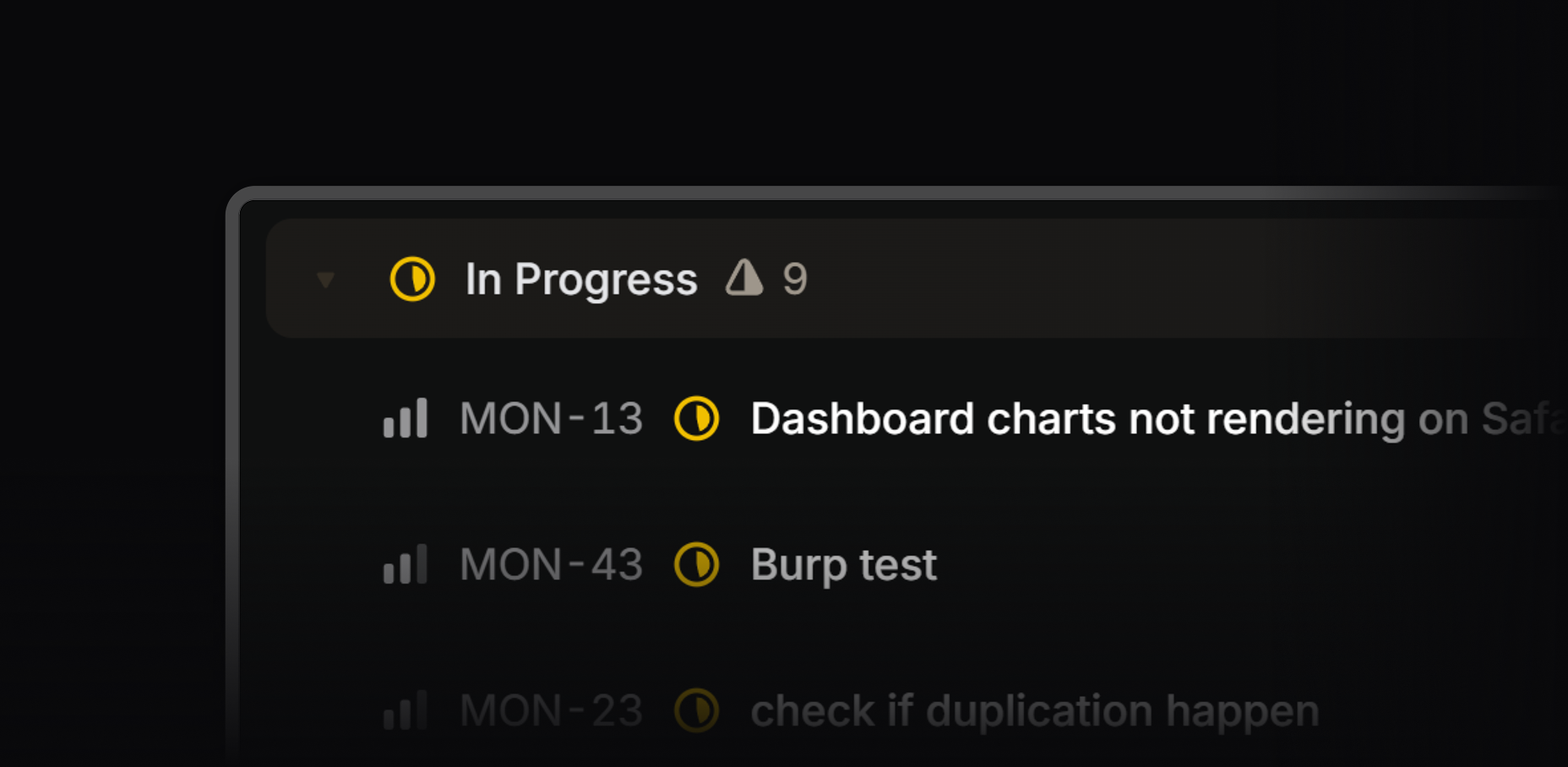
Every issue update in Linear, new, changed, or closed, reflects on your monday.com board within seconds.
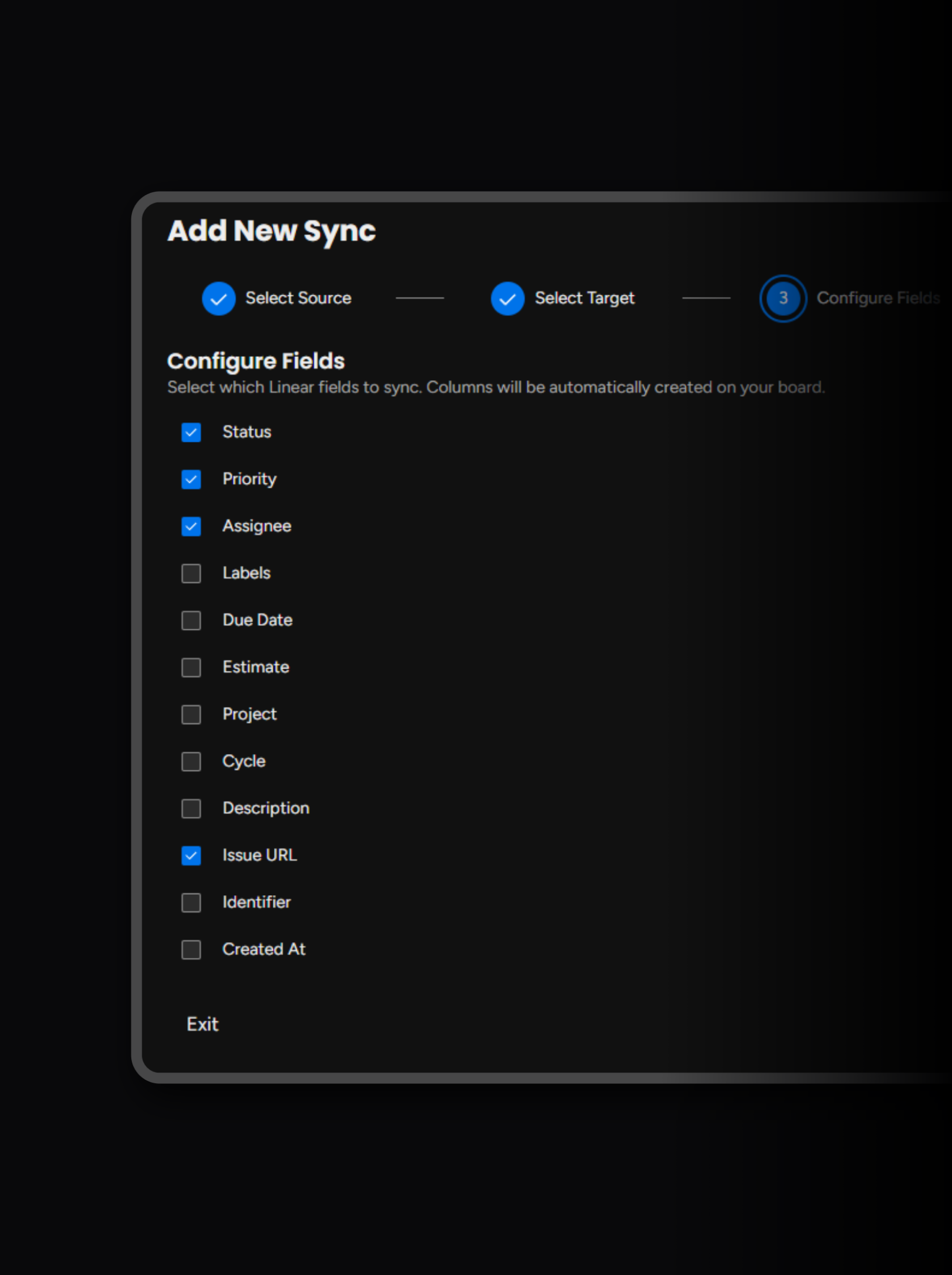
Your Columns, Already Set Up
Linear Integration automatically configures your monday.com columns based on your Linear fields. Just pick what you want to include and leave out the rest.
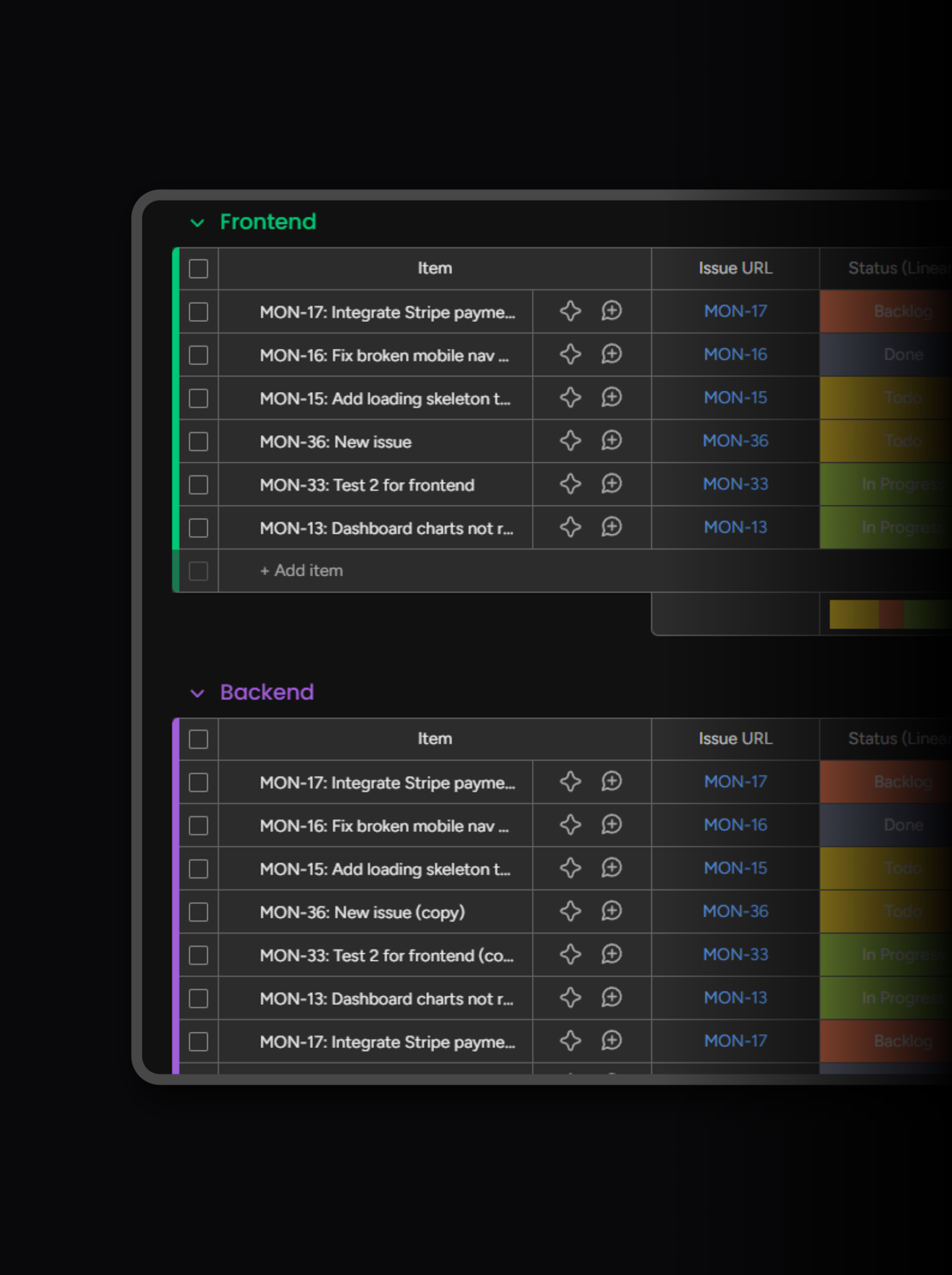
One Board for Every Team
Your backend and frontend teams both live in Linear. Now they can both live on the same monday.com board too.
Getting Started
- 1
Install from monday.com
Find Linear Integration on the monday.com marketplace and add it to your workspace. No code required.

- 2
Connect Linear
Authorize your Linear workspace with OAuth. Your teams and projects are discovered automatically.
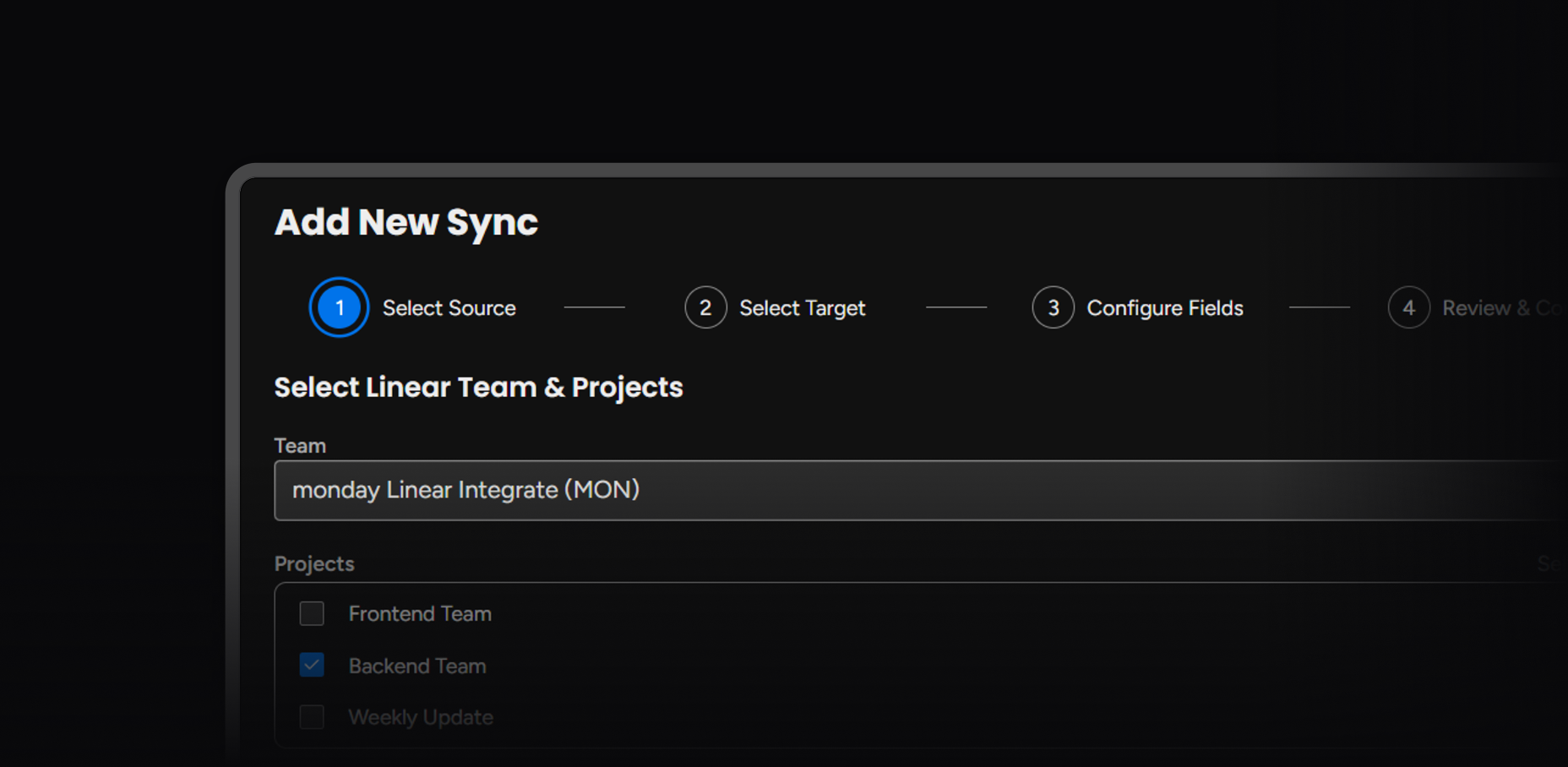
- 3
Start syncing
Choose your fields and filters. Issues start flowing to your monday.com board in real time.
Pricing
$15/mo
Up to 3 syncs
Everything you need to get started with Linear-to-monday syncing.
$29/mo
Up to 10 syncs
For growing teams with multiple projects and boards.
$49/mo
Up to 25 syncs
For larger organizations managing multiple teams.
$79/mo
Unlimited syncs
Full coverage with priority support for your whole company.
All prices are per monday.com account. Unlimited issues on every plan. Billing is handled through monday.com.
Common questions
Linear Integration syncs one-way from Linear to monday.com. When engineers create or update issues in Linear, the changes appear on your monday.com board within seconds. Changes made directly in monday.com do not flow back to Linear — this keeps Linear as the engineering source of truth while giving the rest of your team full visibility.
Updates sync in real time via webhooks — typically within a few seconds of the change in Linear. There is no polling or scheduled delay. When an engineer changes a status, reassigns an issue, or adds a label, the corresponding monday.com item updates almost instantly.
Yes. You can create multiple syncs on the same board, each targeting a different group. For example, sync your Backend team to one group and your Frontend team to another — all on a single board. See our setup guide for details.
You can sync status, priority, assignee, labels, due date, estimate, project, cycle, description, issue URL, identifier, and created date. During setup, you choose which fields to include — Linear Integration automatically creates or reuses the matching monday.com columns.
When an issue is deleted in Linear, the corresponding monday.com item is automatically moved to an “Archived (Linear)” group on your board. The item is preserved so you keep a record — it is never deleted from monday.com.
On monday.com, the app needs read/write access to boards (to create items and columns) and read access to your user identity. On Linear, it needs read/write access to issues and admin access for managing webhooks. Both connections use OAuth — no API keys to manage. For full details, see our privacy policy.
Yes. All data is encrypted in transit (TLS 1.2+) and sensitive tokens are encrypted at rest (AES-256-GCM). We only store the minimum data needed to provide the sync service, and all account data is permanently deleted immediately when you uninstall the app. Read our privacy policy for full details.
Yes — Linear Integration offers a 14-day free trial with full access to all features, no credit card required. After the trial, choose a paid plan that fits your team. See pricing for plans and details.
Ready to sync your team?
Start your free 14-day trial. Install from the monday.com marketplace in under a minute.
14-day free trial · No credit card required